
Chat Widgets: Boost Jobs Without Tech Hassles
Local Business, Chat Widgets, CRM Snapshots
What Chat Widget Buyers Actually Ask (And What They Really Mean)
If you’re a local business owner shopping for a chat widget or CRM add‑ons, you’re probably not asking about “pipelines” and “objects.” You’re asking, “Will this thing actually get me more jobs without turning into a tech headache?”
1. “What is a CRM snapshot and what comes in it?”
Think of a CRM snapshot like a “done-for-you” starter kit for your software. Instead of building everything from scratch, you load a snapshot and instantly get: landing pages, forms, chat widget, pipelines, email/text templates, automations, and basic reports. For many owners, it’s the difference between “I’ll set this up someday” and “It’s live by lunch.”
2. “What’s the best CRM snapshot for roofing companies?”
Roofers usually need speed: fast lead response, estimates, and follow‑up. A good roofing CRM snapshot plugs into a platform like GoHighLevel and adds lead capture forms, quote requests, job stages, and review requests tailored to roofing. It’s less about fancy features and more about never losing a hot lead again (buildonauto.com).
3–6. Setup time, cost, tech skills & “free” snapshots
How long does it take to set up a CRM snapshot? Most prebuilt setups can be installed in minutes, then customized in a couple of hours. Plan a day to connect your domain, phone number, and branding — that’s your realistic CRM snapshot setup time.
How much does a niche-specific CRM snapshot cost? It varies wildly. Some are $97 one‑time, others $500+ depending on how specialized they are and what’s bundled (selecthub.com). When you compare CRM snapshot cost, ask what real problems it solves: lead response, follow‑up, reviews, etc.
Can I use a snapshot if I’m not technical? Yes, as long as the creator gives clear, click‑by‑click videos. You’ll be doing more “fill in your business name here” than coding.
Free CRM snapshot download — is there a catch? Usually the “catch” is upsells: they hope you’ll buy support, templates, or a monthly plan later. Free can be great for testing, but check if it includes updates and support or if you’re on your own.
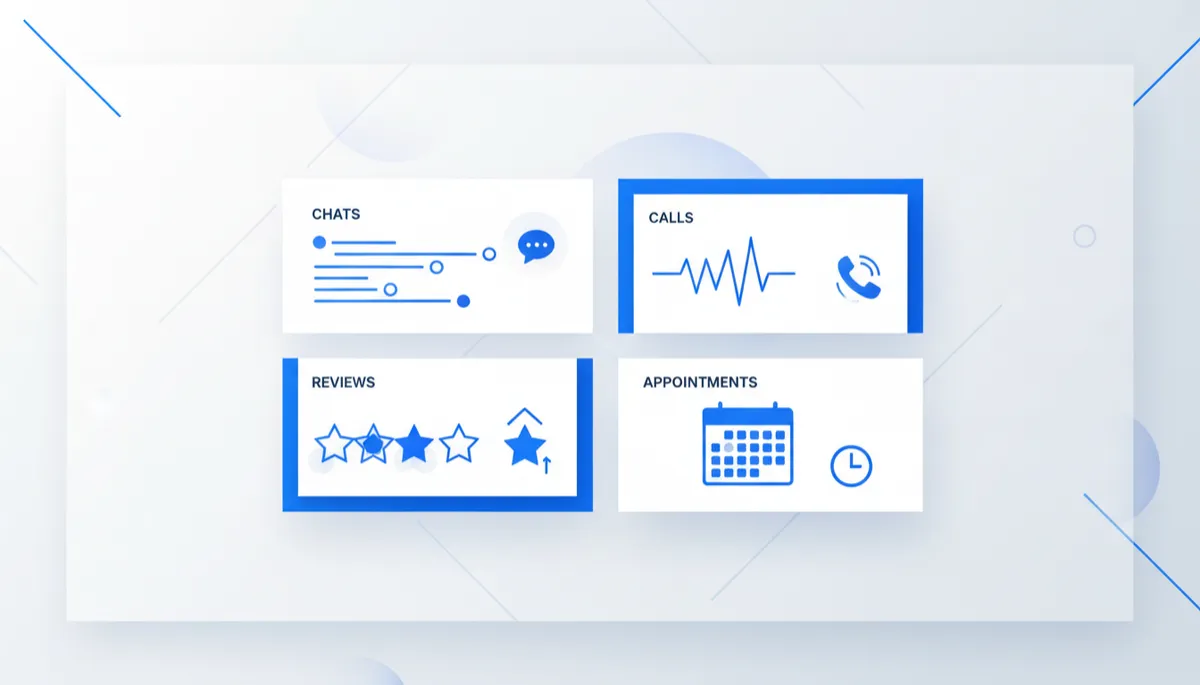
The right snapshot turns random chats and calls into a clean, trackable pipeline.
7–9. AI, reviews, and missed-call text back
Many snapshots now include an AI voice agent for small business that books appointments. Think of it as a robot receptionist that answers calls 24/7, grabs details, and drops bookings right into your calendar (Business News Daily).
Want to know how to get more Google reviews automatically? Look for Google reviews automation inside the snapshot: after a job is marked “completed,” it automatically texts the customer a review link — no awkward asking needed.
Contractors love CRM automation for contractors missed call text back. Someone calls, you miss it, the system sends, “Sorry we missed you — want to text us here?” You stay human, but the robot covers your back.
10. “CRM snapshot affiliate program — how much can I earn?”
Many creators offer a snapshot affiliate program. Payouts range from 20–50% per sale, sometimes recurring if there’s a monthly plan attached. So when you see CRM snapshot affiliate program how much can I earn, the honest answer is: a nice side income if you already know other business owners who need this stuff — not “get rich overnight,” but definitely “pays for your own tools.”